

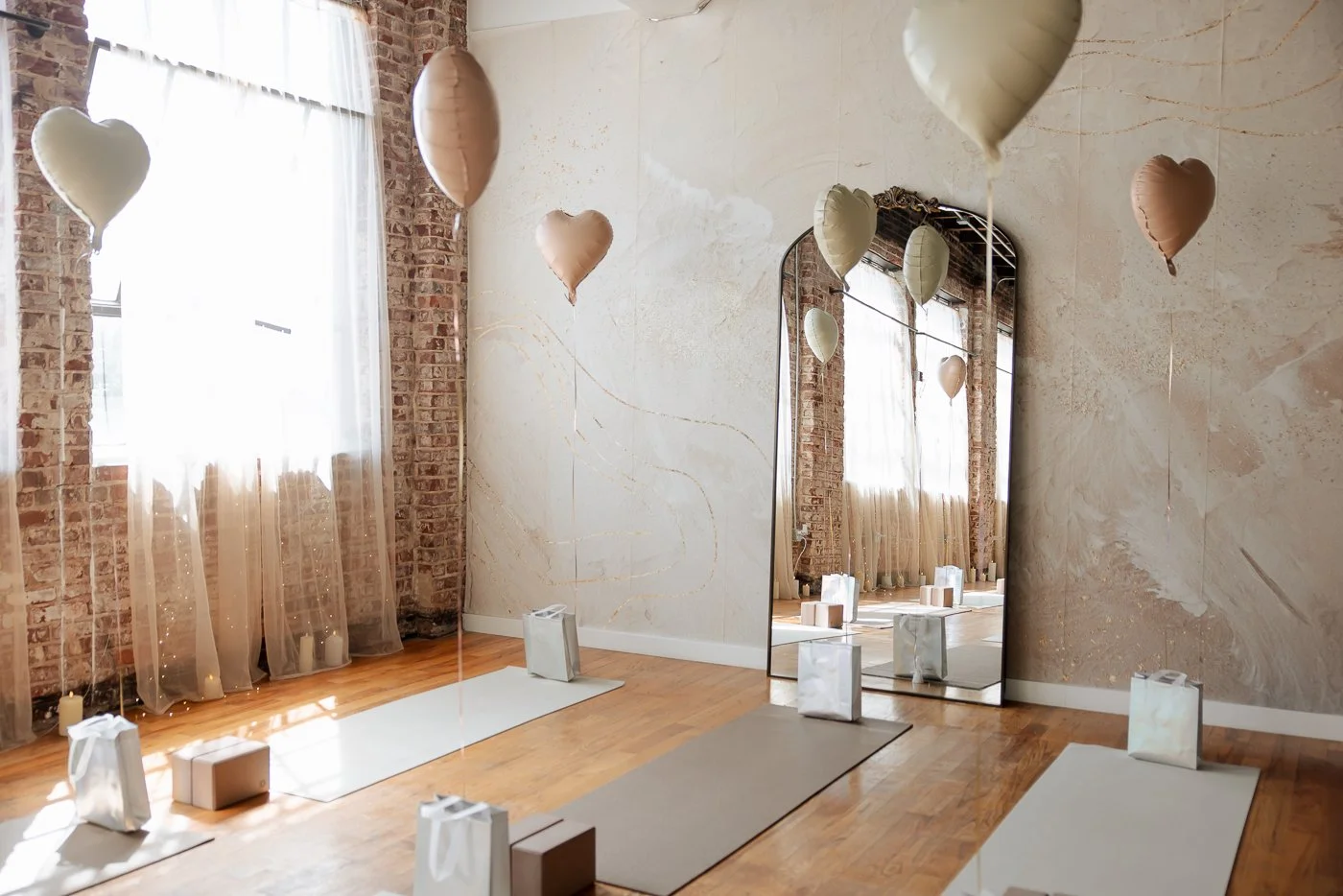
Event Host Guide
Welcome to Neutral Moon Studio!
This Event Host Guide will walk you through how to utilize the studio during your reservation so please read it both at the beginning and the end of your reservation.
A Studio Assistant may be at the studio when you arrive to help you check in, set up and answer any questions you may have. Depending on the length of your event, the Studio Assistant may not be present at the end of your reservation. Please follow this guide to ensure you close up the studio properly to avoid any additional fees.
Parking and Access instructions
ADDRESS //
Neutral Moon Studio is located in the Castleberry Hill neighborhood of Downtown Atlanta (near Mercedes Benz Stadium) at 141 Mangum Street SW, Suite 300, Atlanta, GA 30313. Our studio is located inside of the Koncept House.
PARKING //
Once you have turned onto Mangum Street, turn RIGHT down the first available gravel driveway and then our parking lot will be on your left directly behind the tall brick building with the loading ramp facing a peach dumpster. Park along the black iron fence (trunk or hood should be facing the fence). The lot is set up as one-way (sometimes you can't see the one-way sign). If the lot is full, please find legal street parking.
ARRIVAL //
Primary Door Access: The front door faces Mangum Street (passed it on the way in) and has a callbox to the right of it. If you are not standing on a city SIDEWALK looking at a callbox when you get to the door, you are not at the front door.
1. Find "Neutral Moon Studio" in the callbox directory and dial it to be let inside.
2. Listen for the bell chime and then open the front door.
3. Walk up the stairs directly in front of you to the 3rd floor/Suite 300 (or take the elevator available on the 2nd floor)
Unauthorized Late Departures
It is your responsibility to wrap up your event on time and leave enough time to chat, connect, clean up and load out.
Late departures are $25 for every 15 minute block you enter into past your scheduled departure time. This will be automatically billed to the credit card on file. This is non-negotiable, not up for debate. Please respect our small business, service, and time by managing yours correctly.
And for clarity, if your reservation ends at 5pm and you are in the studio at 5:18 you will be charged $50 because you would have entered into (2) 15-minute blocks past your scheduled departure time.
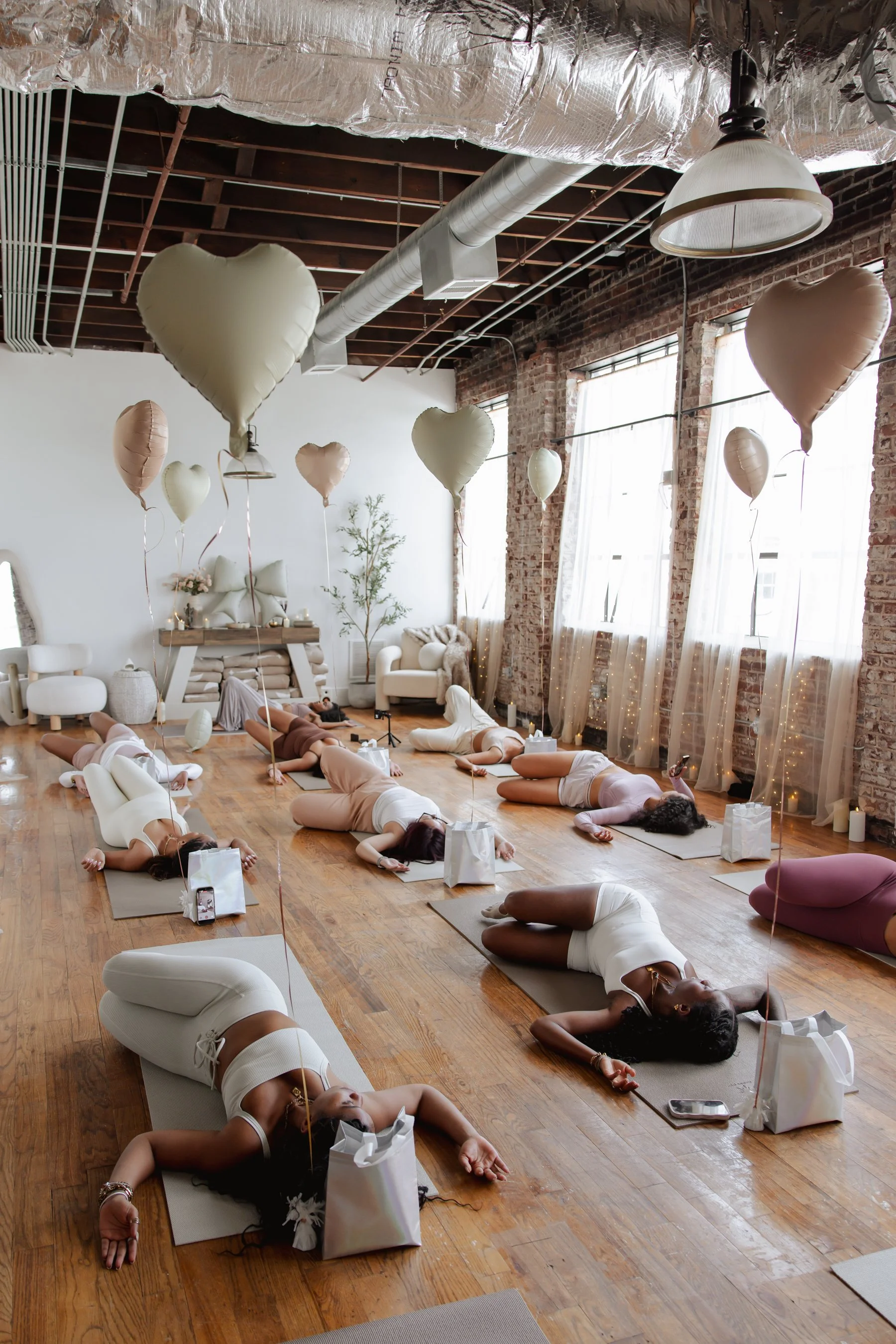
WiFi
Network: KonceptHouse or KonceptHouseAP
Password: getworkdone141
Turn on Edifier speakers and make sure they have power (green light)
Press the Bluetooth button on the back of the right speaker until the light on the front of the speaker turns blue
Open the Bluetooth settings on your phone or tablet
Wait for your device to scan, then find and select ‘Edifier MR3’
Device is linked when you hear a chime. Turn your phone volume all the way up and then adjust the volume on the speaker.
Test play a song to make sure the speaker is connected.
Bluetooth Speakers
Step-by-Step Pairing Guide
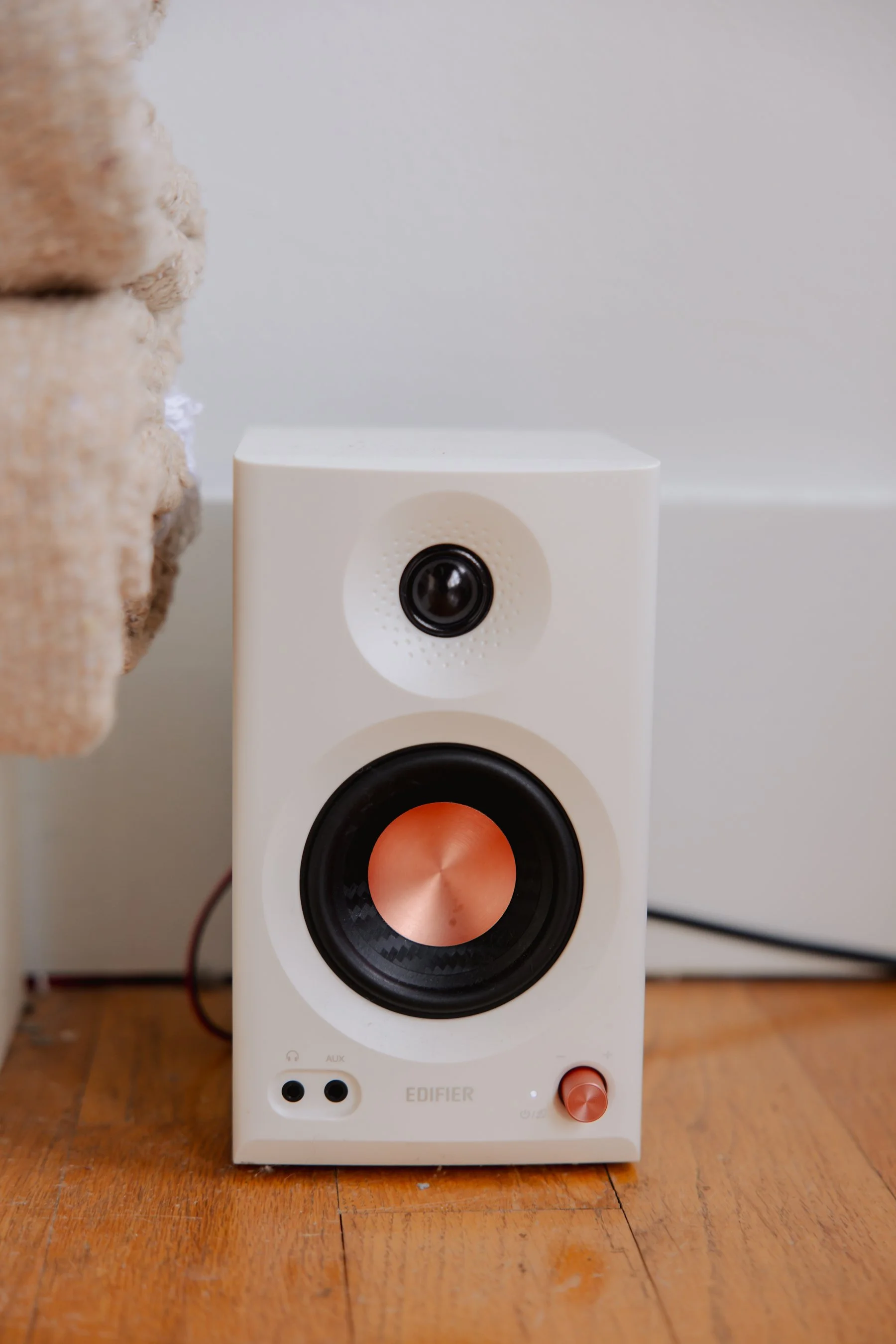
Bluetooth speakers
Food and Drink
Please do not put food or drinks on the sideboard, it will damage the surface.
Instead you can use the round table in the corner by the neon sign.
Place a towel under cold drinks, ice buckets or containers that “sweat” to minimize condensation leakage.
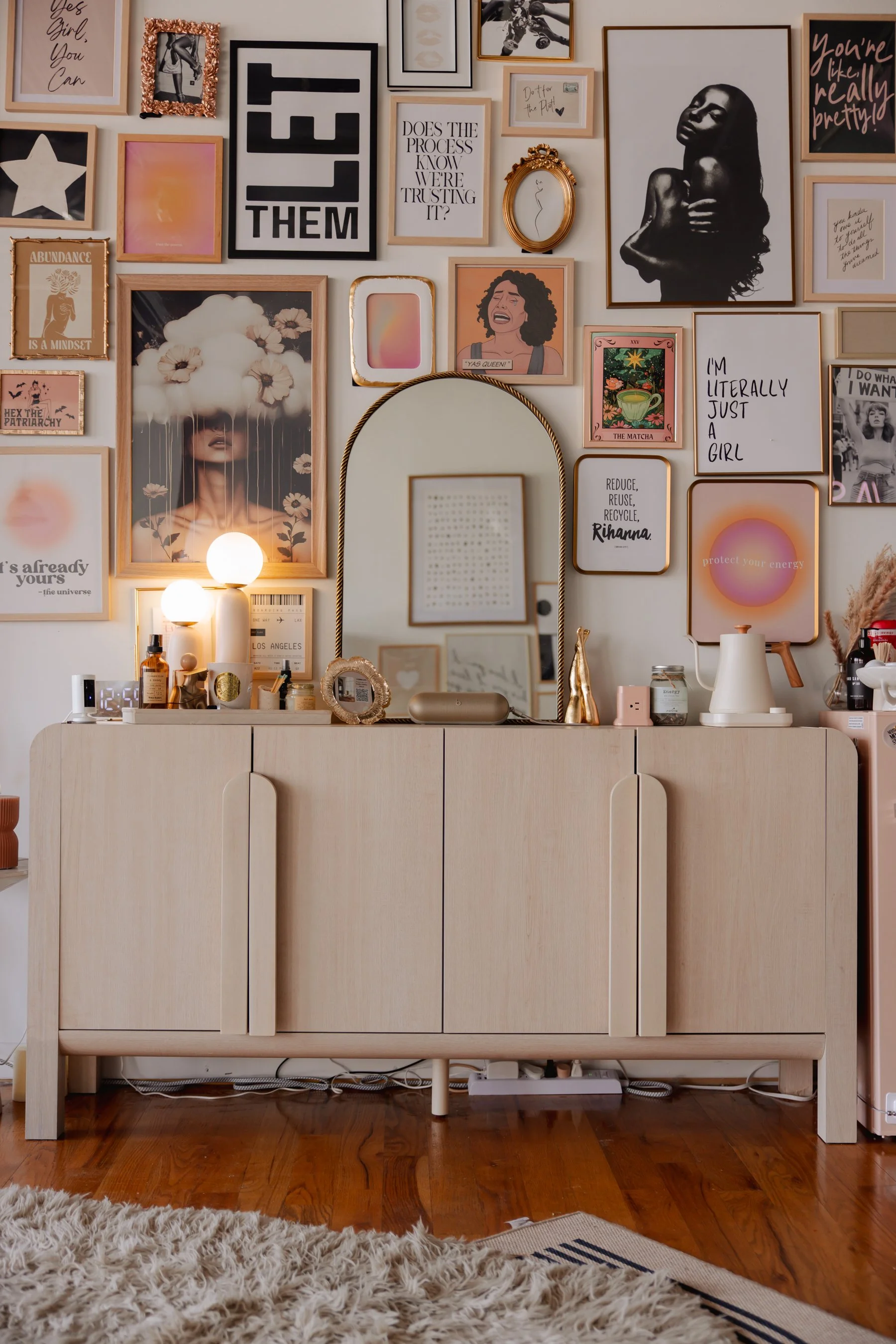
Sideboard (NO food or drink)
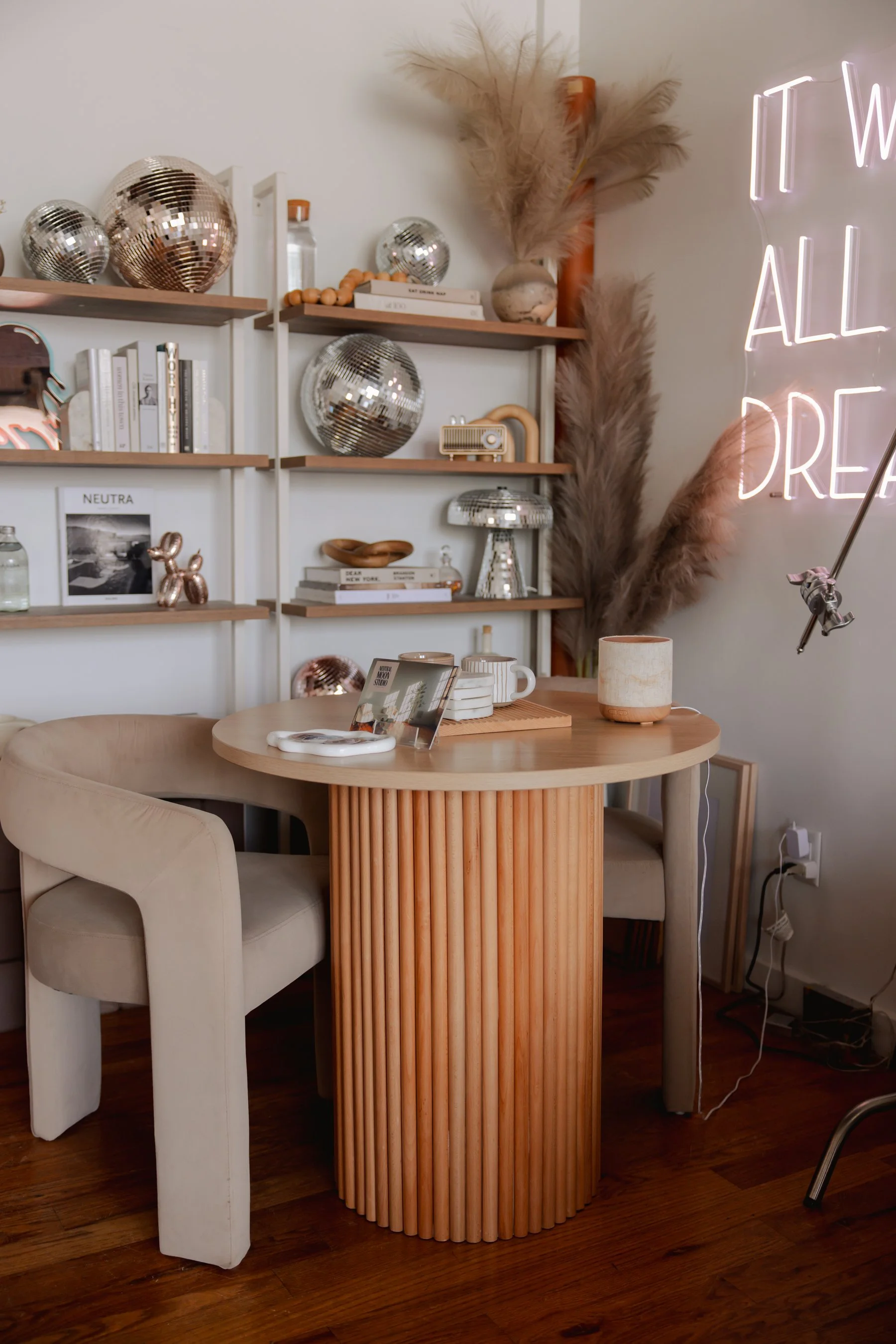
Round Table (food and drink OK)
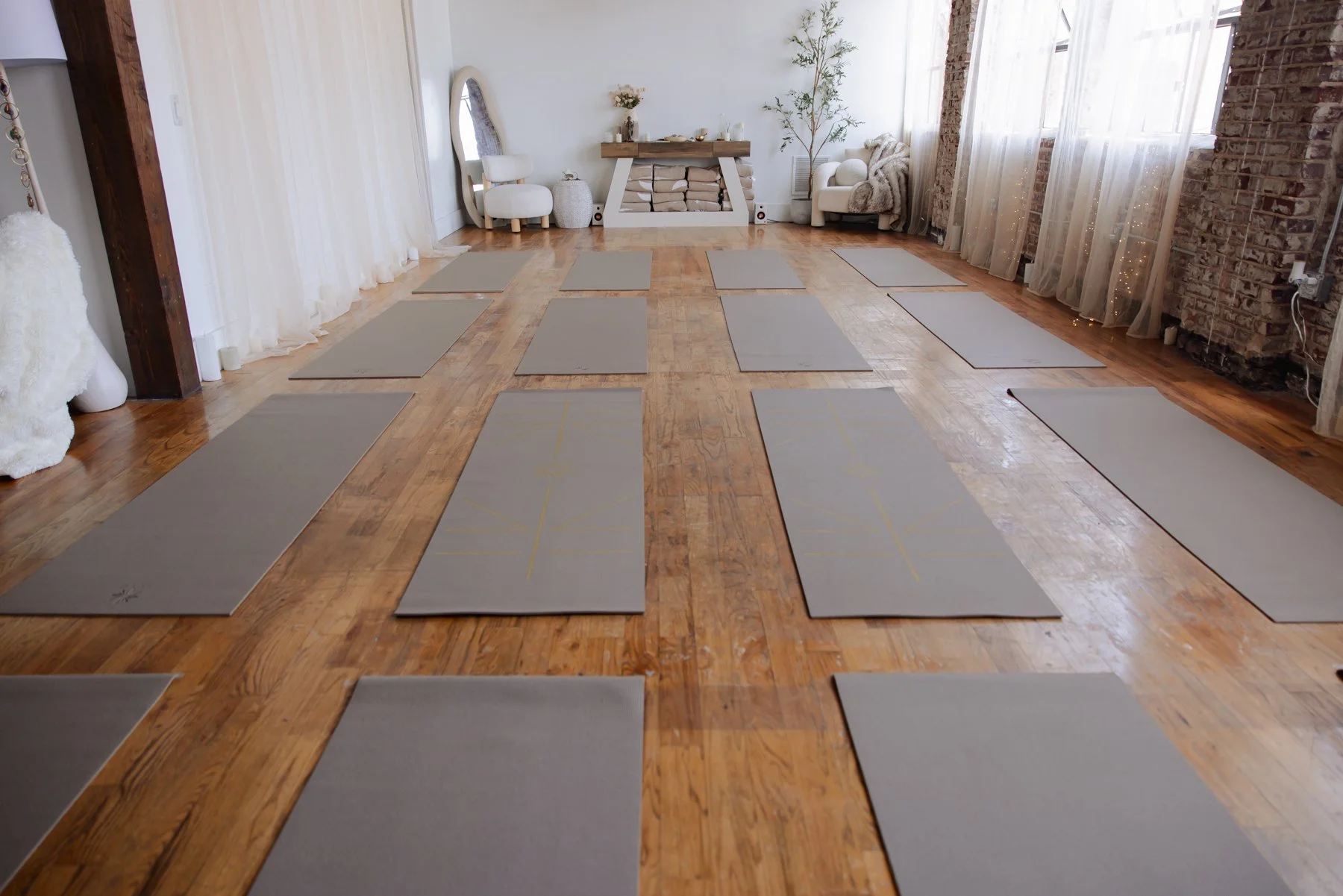
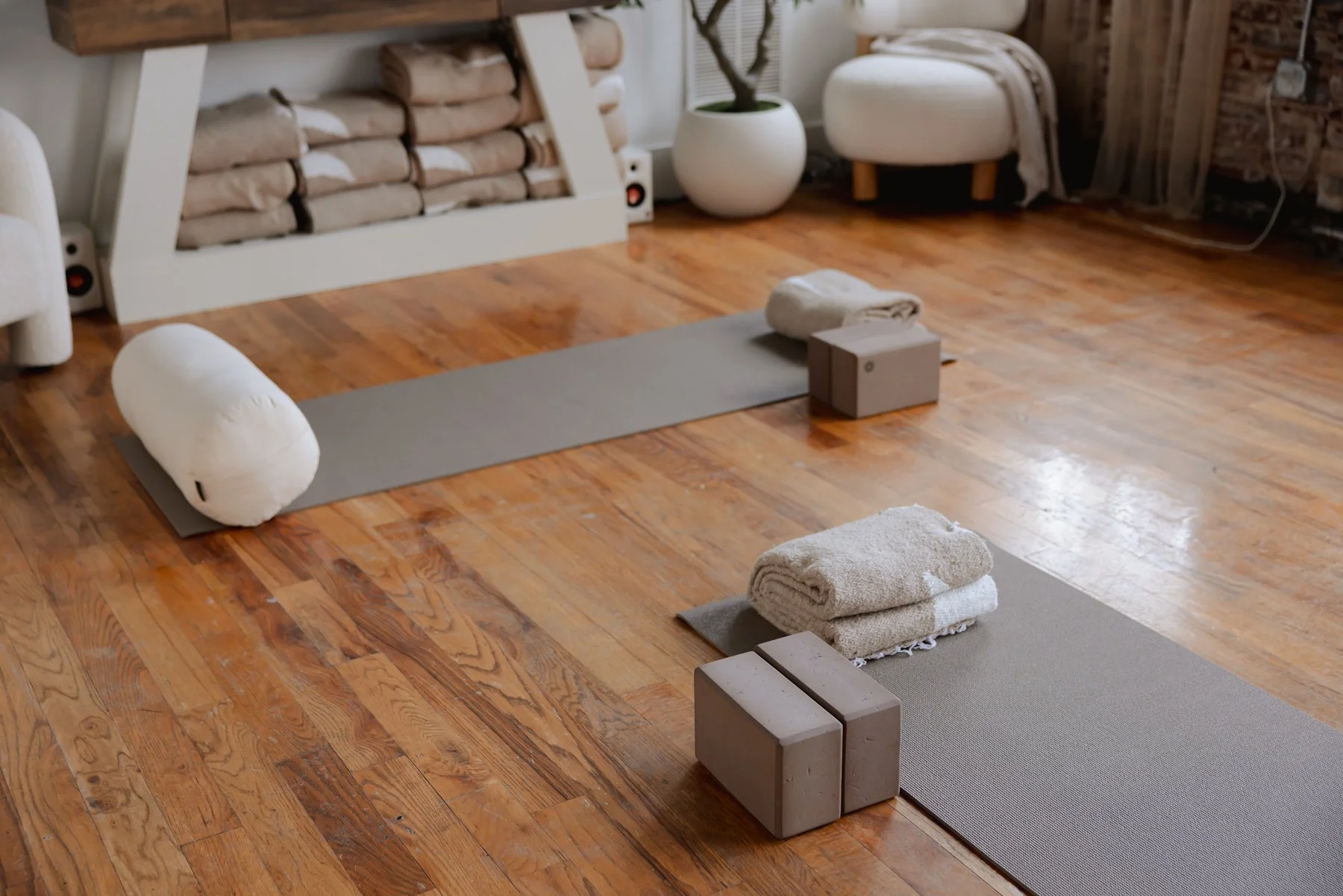
For movement classes that require mats, follow the mat markers on the floor to place mats at the most comfortable position for your attendees.
Place the top corners of the mat on a heart marker. 4 mats fit vertically and 4 mats fit horizontally for a total of 16 mats.
Place the teacher’s mat in front of the alter.
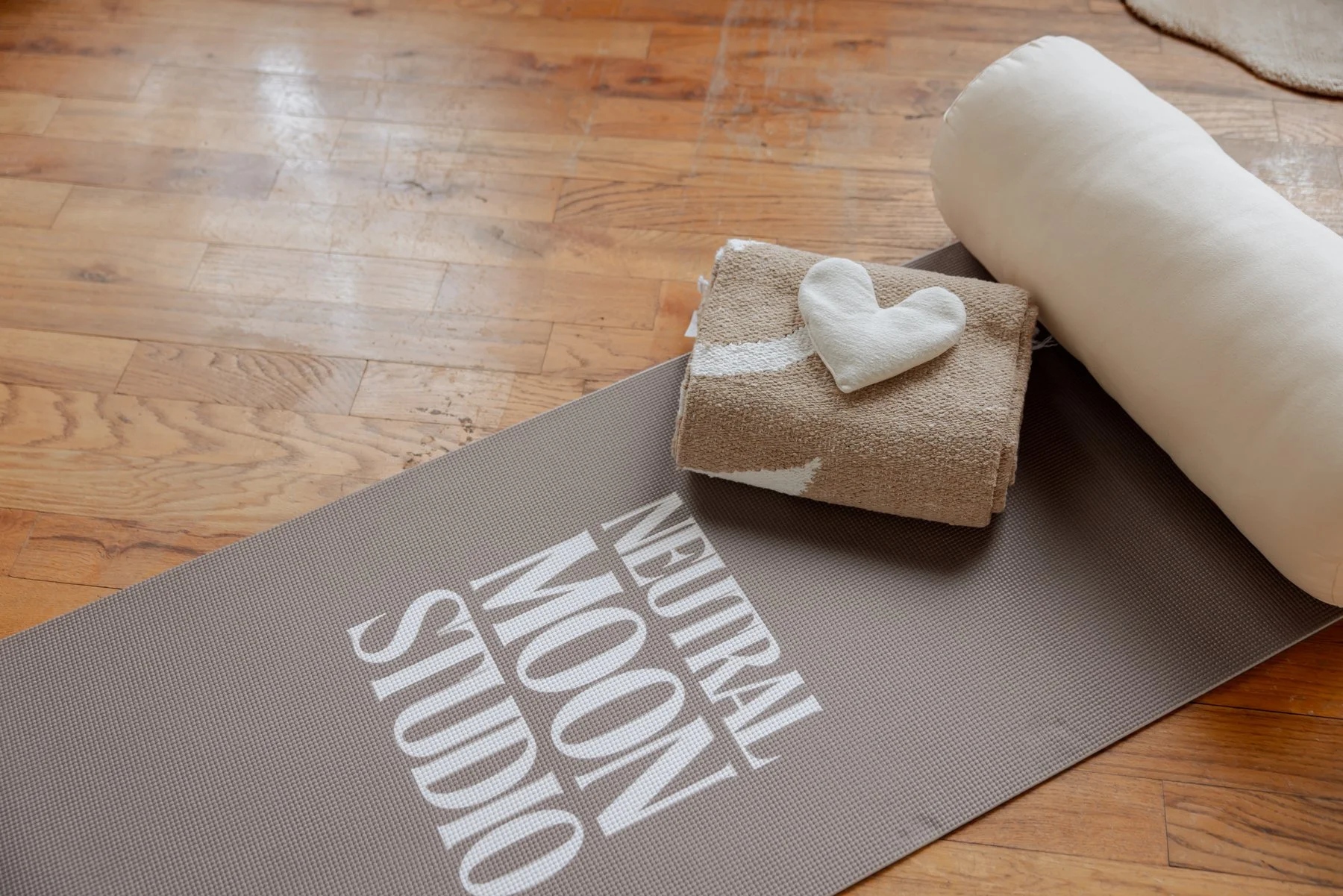
Note: A Teacher’s Mat (branded with our logo) can be found behind the mirror on the alter wall.
Yoga Mat Placing
Flameless Candles
Candles should only be turned on or off WITH THE REMOTES available (typically left on the alter or in the alter drawer). You will need all 3 available remotes to turn on/off all candles.
DO NOT turn candles on and off by hand. This wastes a large amount of time for both you and us.
ALL candles should be turned off before you exit the studio. With the remotes.
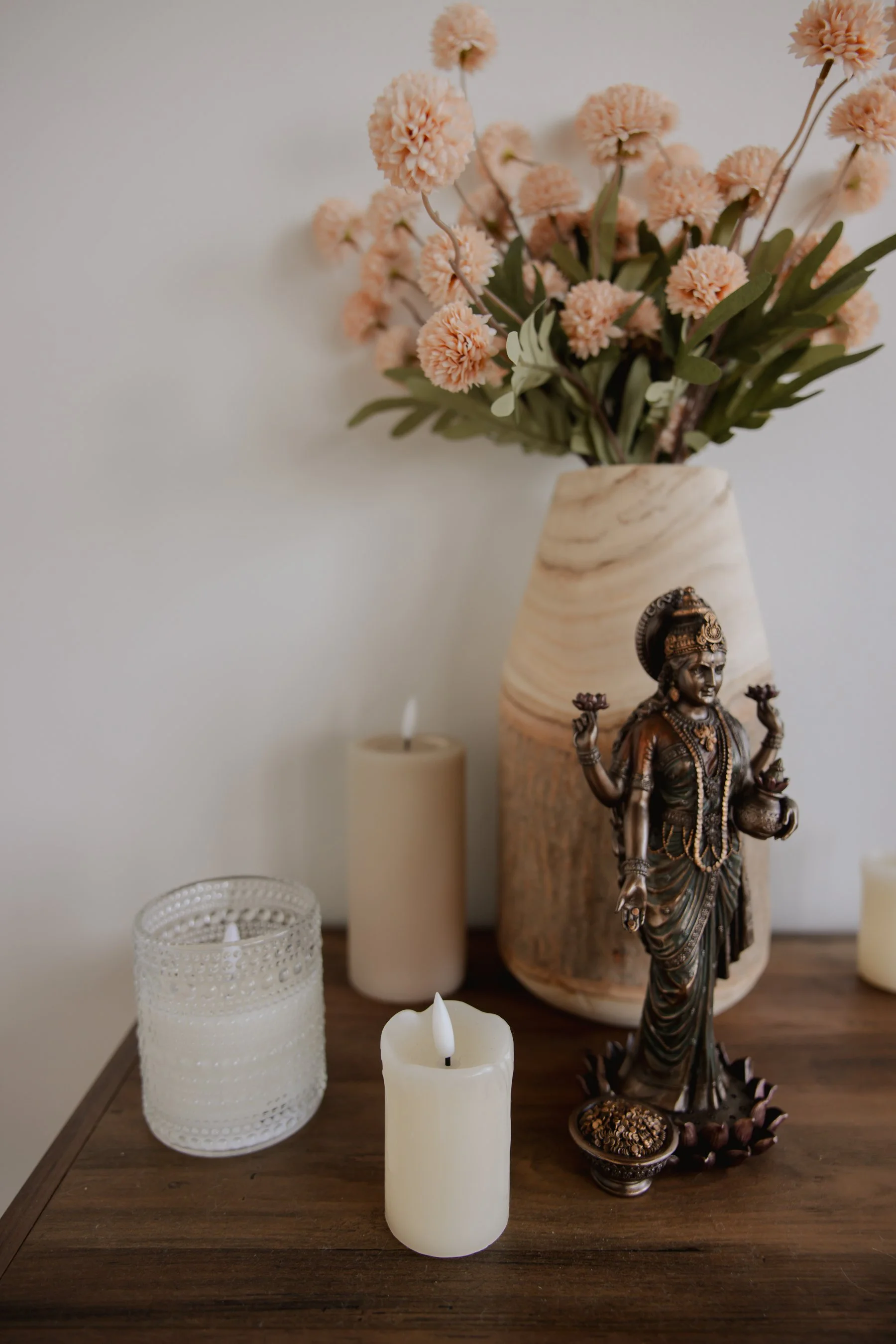
Candles
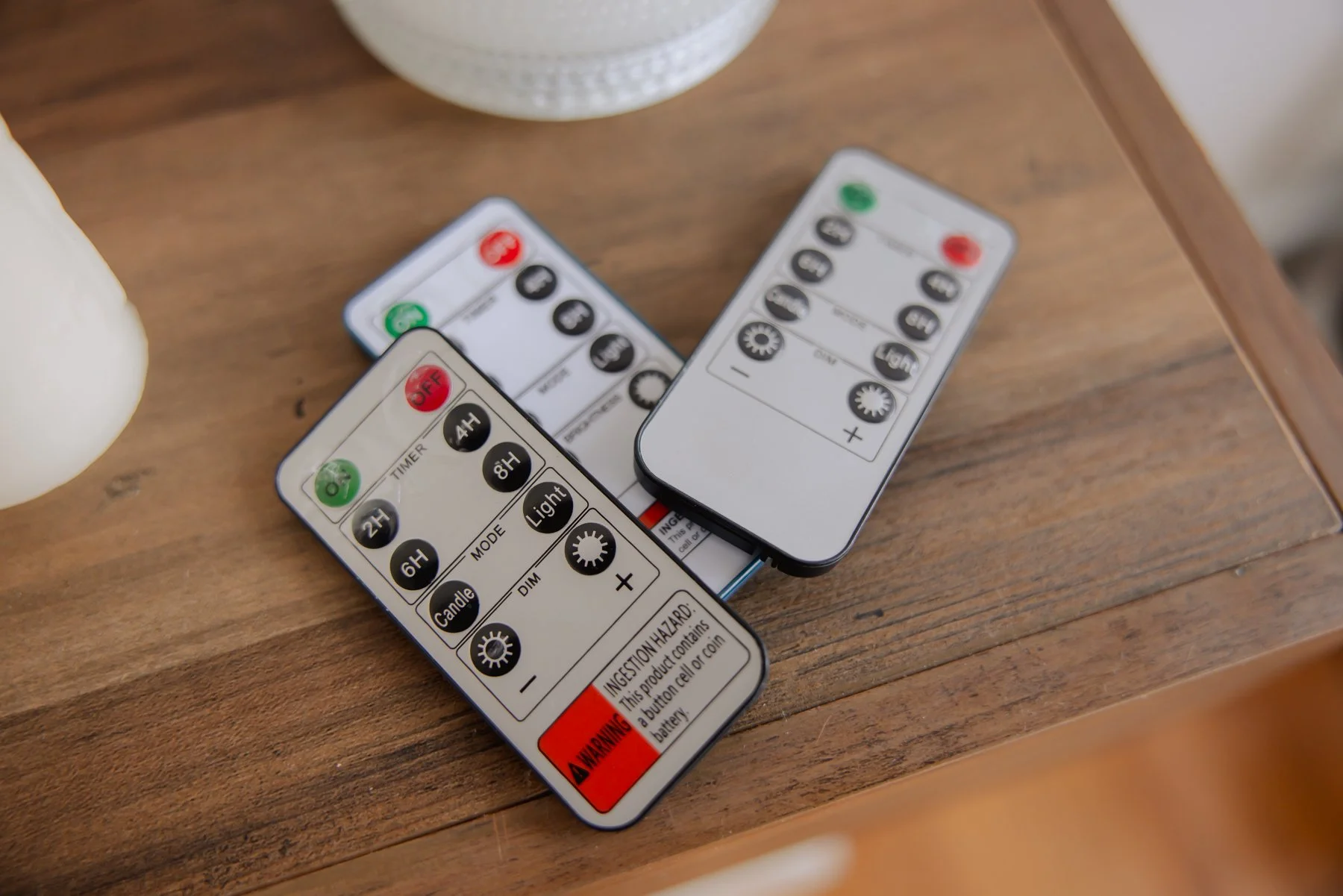
Remotes
Cleanup & Reset
If no Studio Assistant is present during your reservation, before departure, please:
Return furniture to original positions
Collect all personal items, decor, and supplies. We do not keep lost and found items after 24 hours.
Wipe down surfaces used for food or drinks.
Turn off all candles WITH THE REMOTES.
Take all of your trash with you. There are larger trash cans in the hallway, the bathroom, and there is a dumpster outside.
The studio should be left in the same condition it was found.
Clean up and reset should not be happening at the time you are supposed to be locking up. Again, please manage your time or you will be charged accordingly.
Lock-Up & Departure
If no Studio Assistant is present, please:
Ensure key is back in key box, lock the door from the inside and CLOSE THE DOOR before exiting. Do not leave the door open after you exit.
Personal items left behind get tossed after 24 hours so please make sure you take everything you came with and leave everything you didn’t, preferably back in the spot you found it in.
⚠️ Damages & Liability
Hosts are responsible for any damage caused by themselves, guests, or vendors. Please communicate any issues immediately.
Report accidents or spills immediately so we can address them properly.
Staff Contact Info
If no Studio Assistant is present, please text or email one of the following for assistance:
Email: hello@neutralmoon.com
Studio Business Line: 770-580-3964
Studio Owner: Kelley Raye-Wright, 770-608-1050
Studio Manager: Fallon Raye-Wright, 404-834-5486
Events Assistant: Jordyn Parks, 678-334-7295
Please TEXT, you don’t answer phone calls from numbers you don’t recognize and neither do we. Also please DO NOT dm/call us via Instagram for day of assistance, we absolutely will not see that message in time.